

The Facility & Equipment
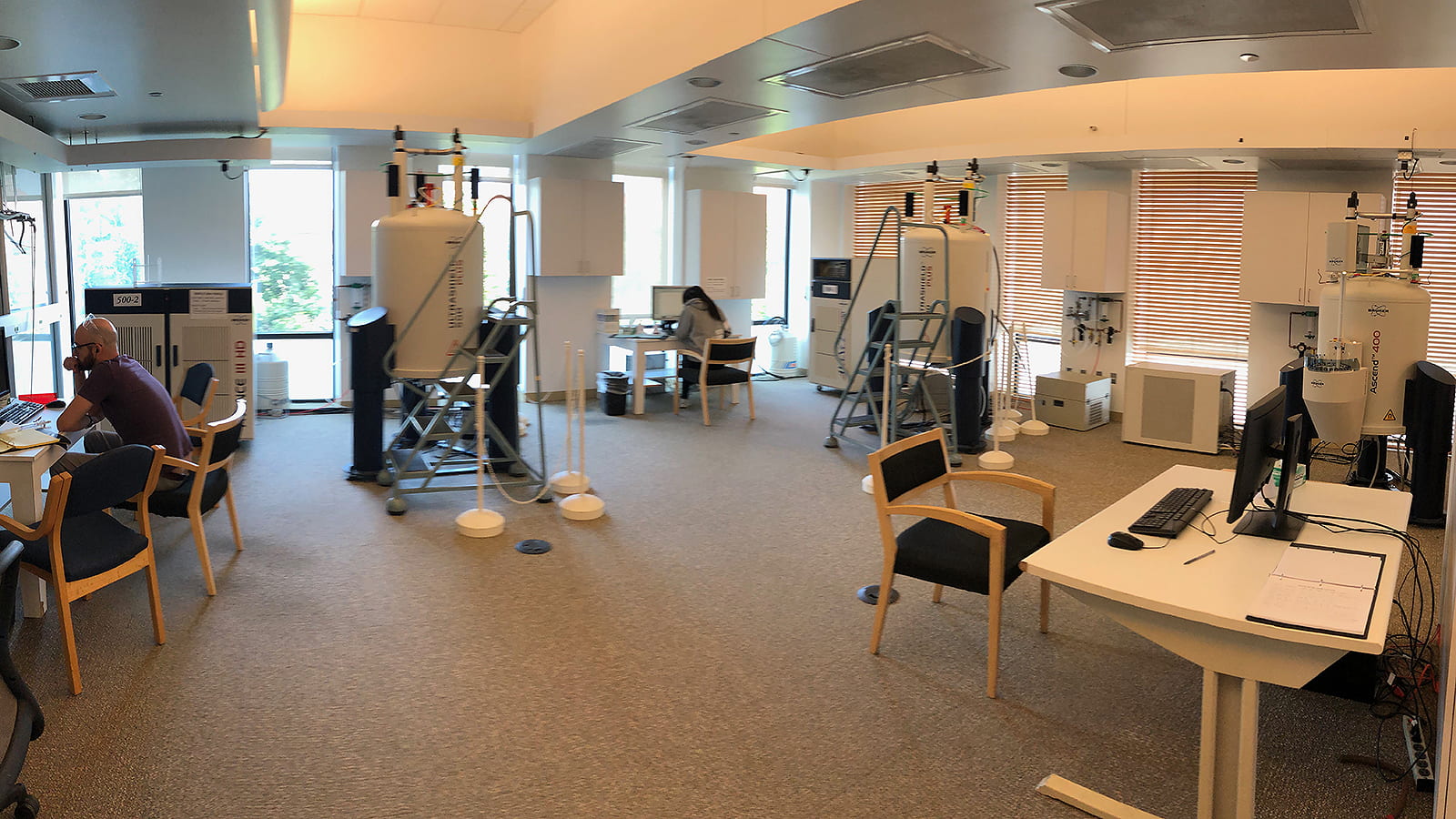
Our facility spans three locations, supporting a total of five NMR spectrometers and one EPR spectrometer
Main lab & manager’s office: Searle 340F (Two 500 and one 400 MHz NMR instruments)
Gordon Center Lab: GCIS E340 (One 500 and one 400 MHz NMR instruments)
EPR Lab: Jones 103. (One X-band EPR instrument)
Training
Facility staff provide training to operate the instruments, process data, and prepare samples. We hold two types of regular training: Level1 covers use of the autosampler-equipped spectrometers, and Level2 covers manual operation of the other spectrometers. Under COVID, all training is conducted one-one-one with the facility manager, and scheduling is arranged on an individual basis. Training for specific techniques (such as “variable temperature” operation) is available by arrangement with the facility manager.
Automated operation - Level1 training
“I put my samples in the robot so I can return to the bench while the spectrometer acquires high-quality routine data for me.”

Manual operation - Level2 training
“I walk up to the instrument and operate it manually to get a quick routine spectrum or two.”
Intensive operation - Level2 training, optional training
“I reserve instrument time for an extended period, then use it to manually run experiments that require extra attention and time. I may leave it to run unattended for several hours, perhaps at high or low temperature.”
NEWS
Using an Autosampler Manually
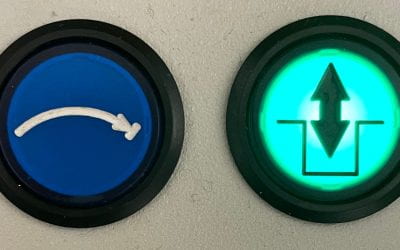
Very soon, all the instruments in the UChicago Chemistry NMR Facility will be equipped with autosamplers, including the manually-operated ones. Two questions may come to mind: How? Why?
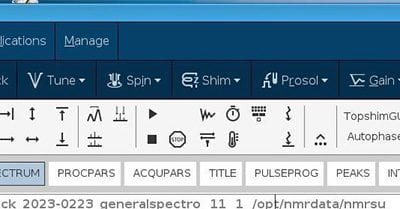
Quick Orientation to Topspin 4.2
The software running 500-3 and which will be running 600-1 is version 4.2.0 of Topspin. It works mostly the same as the Topspin we’ve been using, but there are some important differences to note. This post covers some of the key differences you’ll encounter right away.
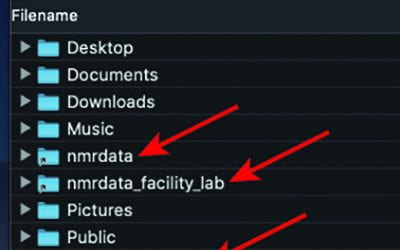
Improved Datastation Environments, Data Availability
SUMMARY The data availability scheme for the NMR facility has improved in several ways, beginning in December 2021. See: https://voices.uchicago.edu/chemnmr/data/ for specific instructions. New spectra are now automatically copied to datastations nmr15/50 and nmr8/60...